- Free preview
- Up to 16 × 20 in
- Photo never uploaded
Paint by Numbers Generator
Turn your own photo into a printable paint by numbers kit: smooth numbered outlines, a color guide and the finished reference. Choose the colors and detail, and print up to 16 × 20 inches.
A pet, a portrait, a landscape or a favorite place. Photos with clear light and a simple background paint best.
JPG, PNG or WebP. Your photo stays on this device.
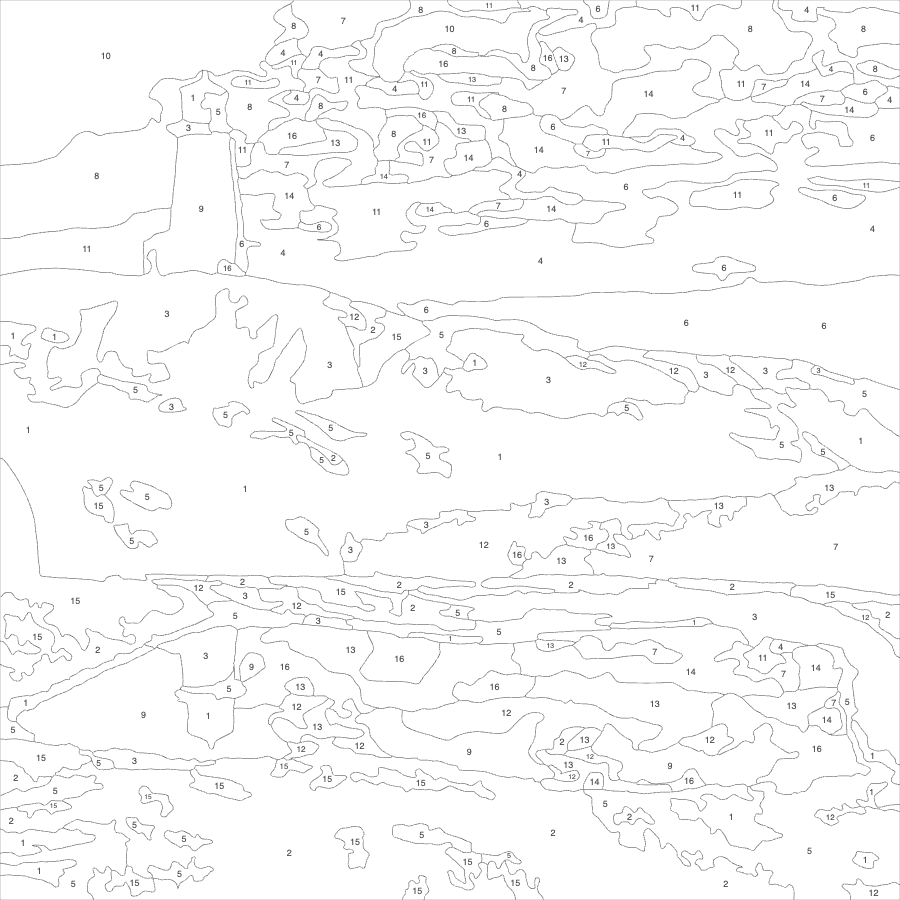
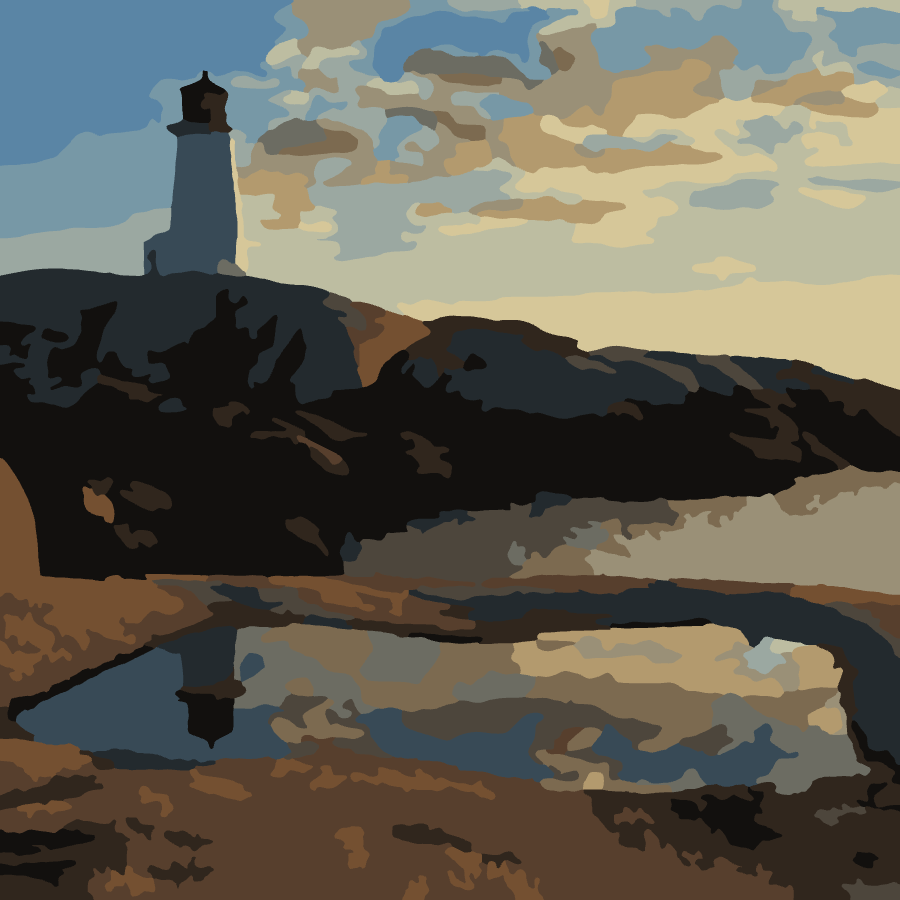
Photos turned into paint by numbers kits
The photo, the numbered outline you paint, and the finished picture.
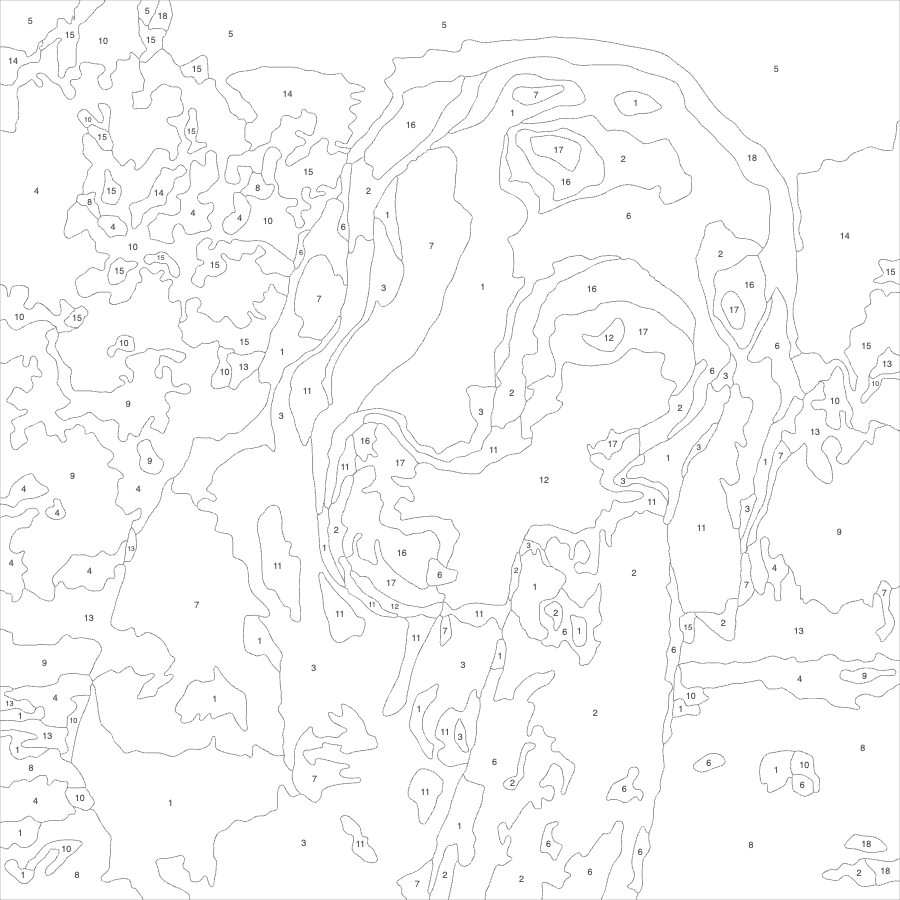
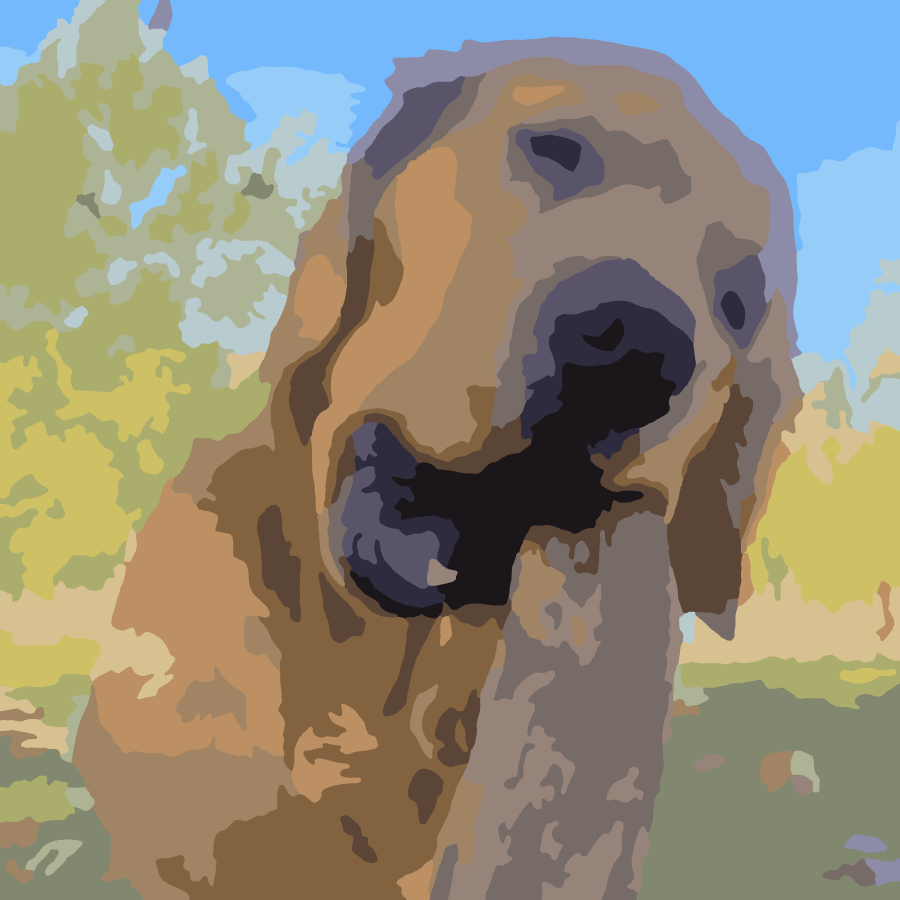
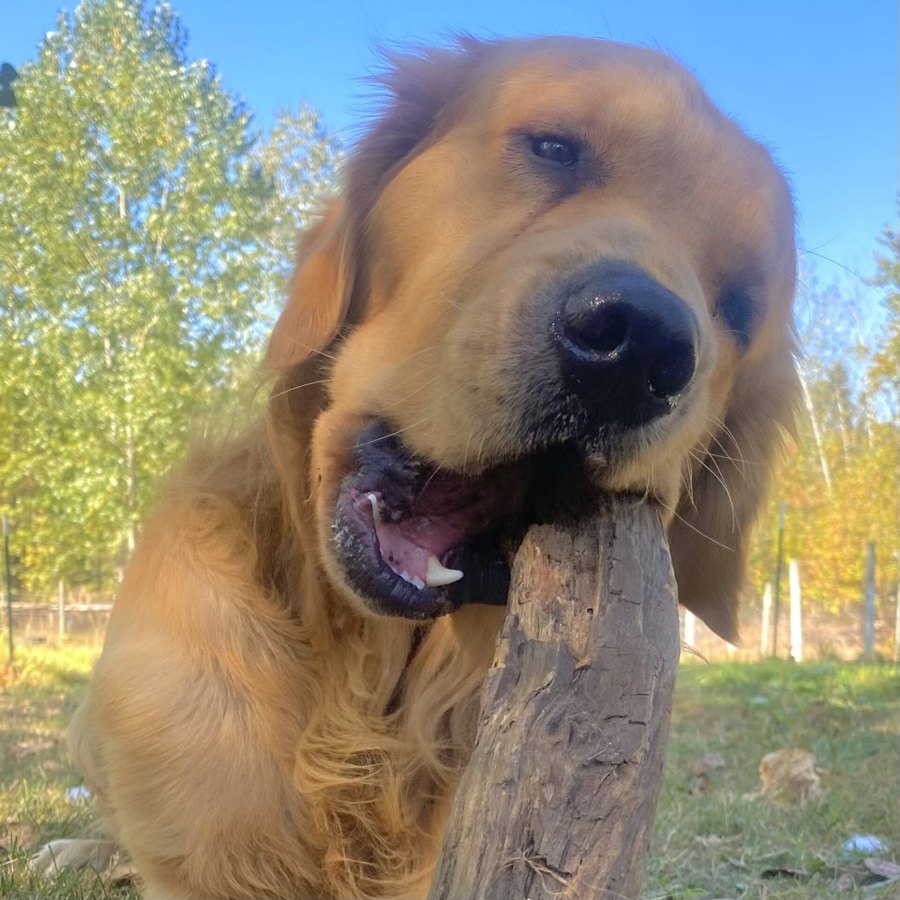 Pet portrait18 colors · 165 areas
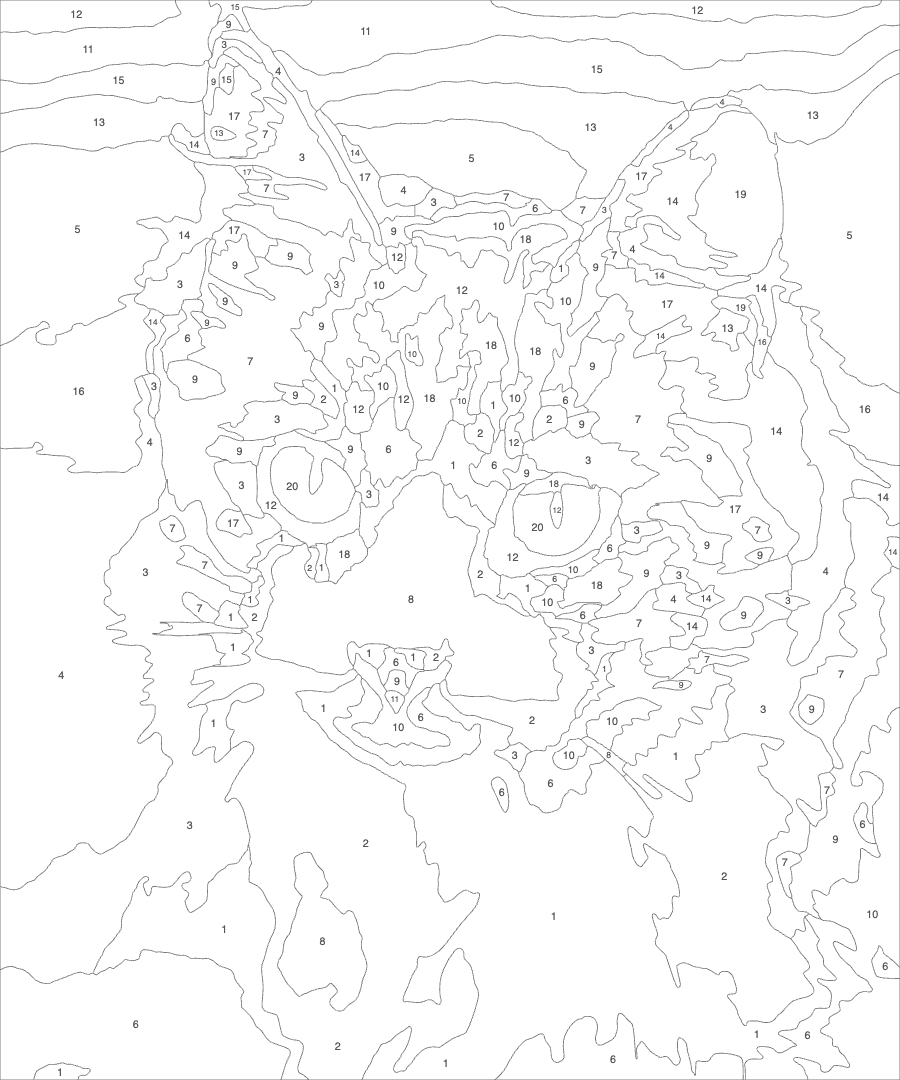
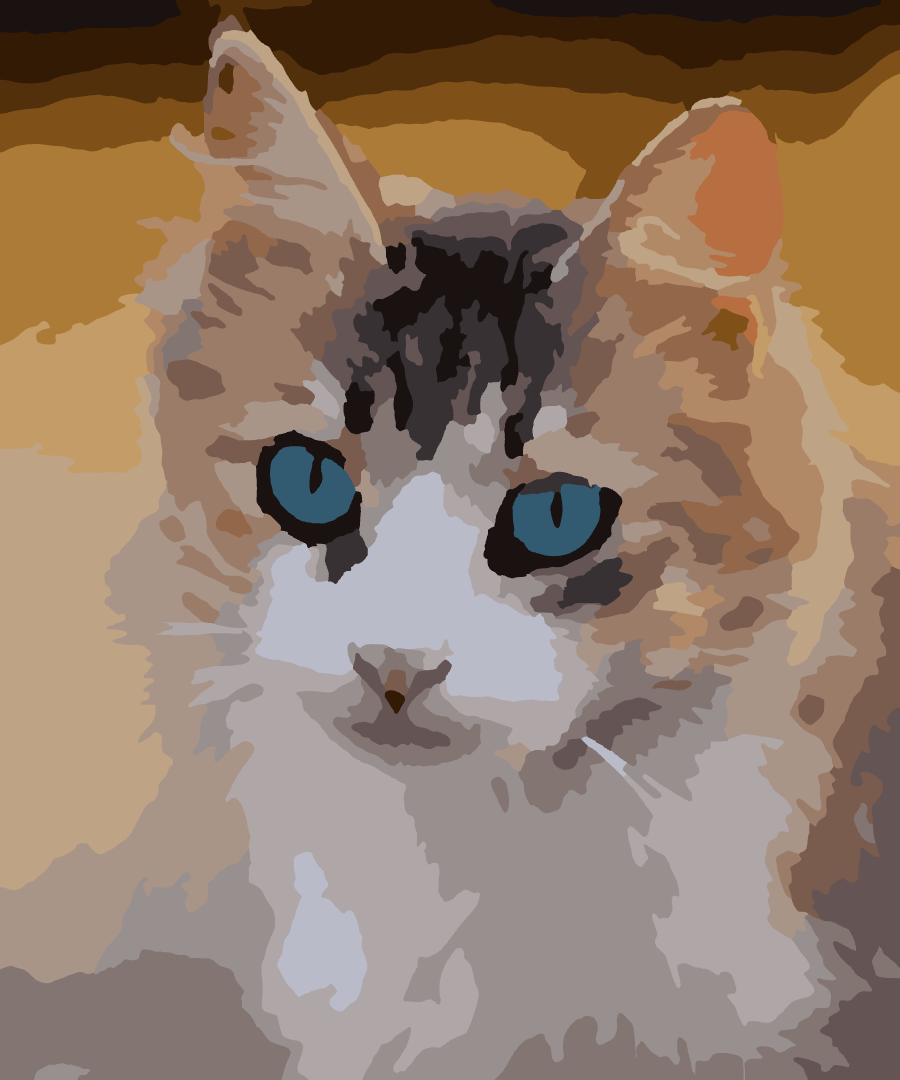
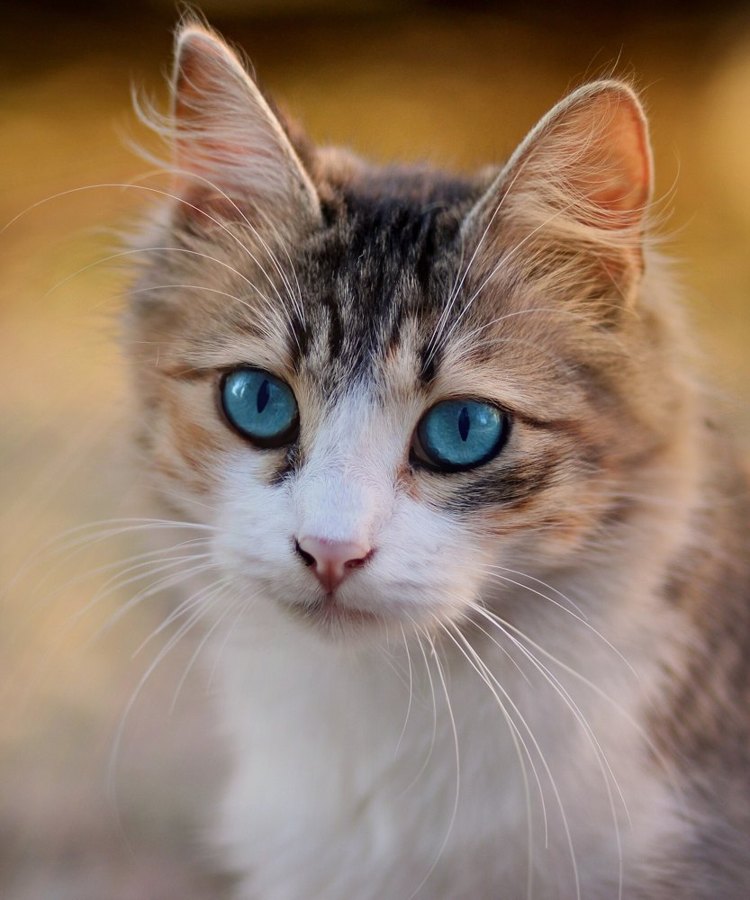 Cat close-up20 colors · 187 areas
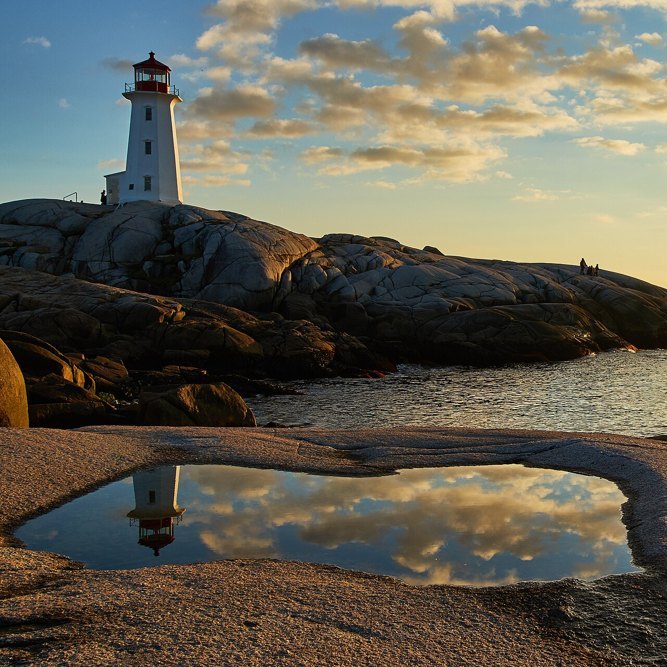 Landscape16 colors · 222 areas
Free to design. Pay only for the files.
No account and no subscription. You see exactly what you're buying before you pay.
- Upload, crop and every setting
- The numbered outline and the finished look
- The full color guide
- A watermarked preview image
- Printable PDF kit: outline, color guide, reference
- Any size from Letter to 16 × 20 in
- Vector SVG outline and high-res PNG
- Adjust and download again for 7 days
- Unlimited kits for 30 days
- Every size and format
- Great for gifts and classes
- Doesn't renew. No subscription
From photo to paint by numbers in three steps
- 1
Upload a photo
A pet, a portrait, a landscape or a favorite place. Crop to the part you want to paint.
 2
Choose colors and detail
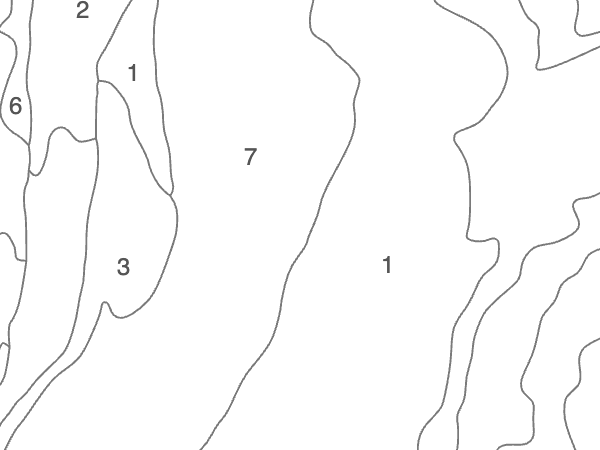
Fewer colors and less detail make a relaxing painting; more of both looks closer to the photo. Every area gets a number that fits inside it.
- 3
Print and paint
Download the kit: the numbered outline as a PDF in your size, a color guide with every paint, and the finished picture to paint from.
How your photo becomes a paint by numbers
First the photo is smoothed in a way that keeps real edges: fur texture and noise disappear, the outline of a face or a roof stays. Then the colors are reduced to the number of paints you choose, by grouping similar shades together.
Next the picture is divided into areas of one color. Areas too small to paint, or too thin to hold a number, are merged into their neighbors until every area is big enough to paint with a normal brush and has room for its number. That rule is what makes a kit pleasant to paint instead of frustrating.
Finally the outlines are traced as smooth curves, each shared edge drawn once, so lines print crisp at any size, and every number is placed at the roomiest spot of its area. Large areas get an extra number so you never hunt for it.
Choosing colors and detail
| Setting | Relaxing | Balanced | Detailed |
|---|---|---|---|
| Colors | 8 to 12 | 16 to 20 | 24 to 36 |
| Detail | 1 to 3 | 4 to 6 | 7 to 10 |
| Good for | Beginners, kids, small canvases | Most photos on 16 × 20 in | Portraits, experienced painters |
The tool shows how many areas there are to paint. Under 250 makes a relaxing afternoon; over 1,000 is a project for many evenings.
Printing your kit
- At home: print on Letter or A4 cardstock or canvas paper at 100% scale. Acrylic paint on heavy paper works well.
- On canvas: download the 16 × 20 in (or 11 × 14 in) PDF or the SVG and take it to a print shop. Ask for the outline printed on stretched canvas or canvas paper; light gray lines are easy to cover with paint.
- Projecting or tracing: the SVG outline is vector, so it stays sharp at any size if you project it onto a wall or a big canvas.
The color guide shows each paint with its number, color code and how much of the picture it covers, so you can judge how much of each color to mix.
Which photos work best
- Clear light, one main subject. A pet in daylight or a portrait with soft light paints better than a dim indoor photo.
- Simple backgrounds. Crop tight, or pick a photo with a plain background; busy backgrounds turn into many small areas.
- Sharp focus on what matters. Eyes in focus make pet and people portraits come alive.
- Landscapes with a clear sky, water and big shapes are among the most satisfying to paint.
Frequently asked questions
Is the paint by numbers generator free?
You can upload a photo, try every setting and see the numbered outline, the finished look and the color guide for free. The printable kit (PDF in any size up to 16 × 20 in, SVG and high-resolution PNG) costs $4.99 for one picture, or $9.99 for unlimited kits for 30 days. Both are one-time payments; there's no subscription.
What do I get in the kit?
A PDF with the numbered outline at your chosen size, a color guide with every paint (number, color code and how much of the picture it covers) and the finished picture as a reference. You also get the outline as a vector SVG and as a high-resolution PNG, and the finished look as a PNG.
What paints should I use?
Acrylic paint is the usual choice: it covers the printed lines, dries fast and mixes easily. Mix each color to match its swatch in the color guide; the color codes help if you use a paint-mixing app or a store that matches colors.
Can I print it on canvas?
Yes. Choose 11 × 14 in or 16 × 20 in and take the PDF or SVG to a print shop that prints on canvas. The lines are light gray so they disappear under the paint.
Does it also make color by number pages?
Yes. Pick fewer colors and lower detail, print on paper and color with markers or pencils instead of paint.
Is my photo uploaded?
No. The kit is made in your browser, and your photo is saved only in this browser so your work is still there if you come back. Use New photo to remove it. The only things sent to our server are the checkout request and, after paying, a check that the payment went through.
Can I sell the kits or paintings?
You can sell paintings and kits made from your own photos. Don't make kits from other people's photos or artwork without their permission.
Ready to paint your own photo?
Free preview · Up to 16 × 20 in · Photo never uploaded